
Design Your Dream Kitchen with Our Cabinet Color Visualizer
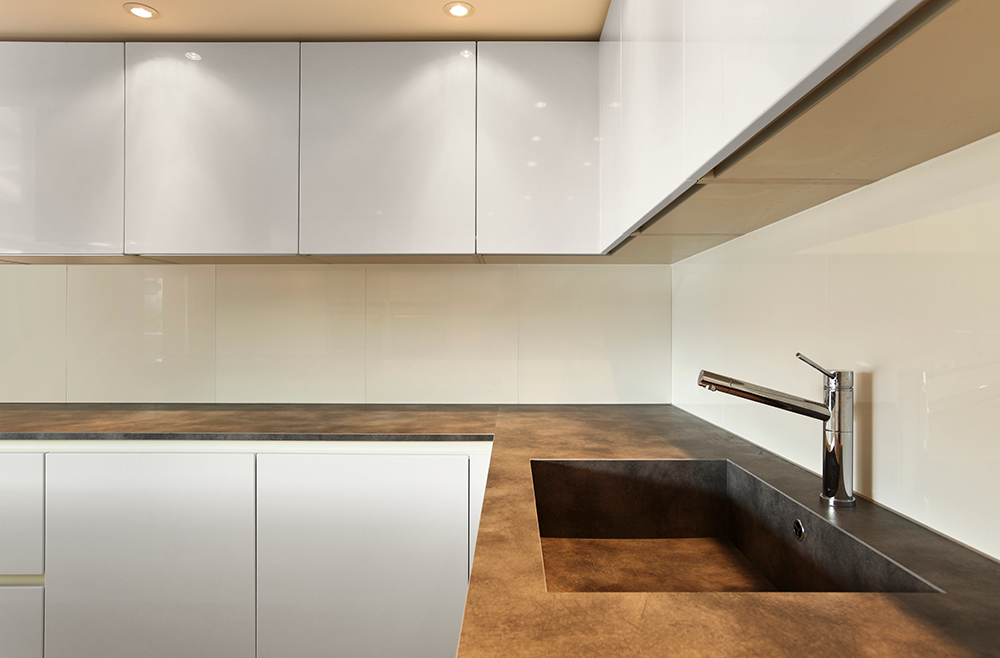
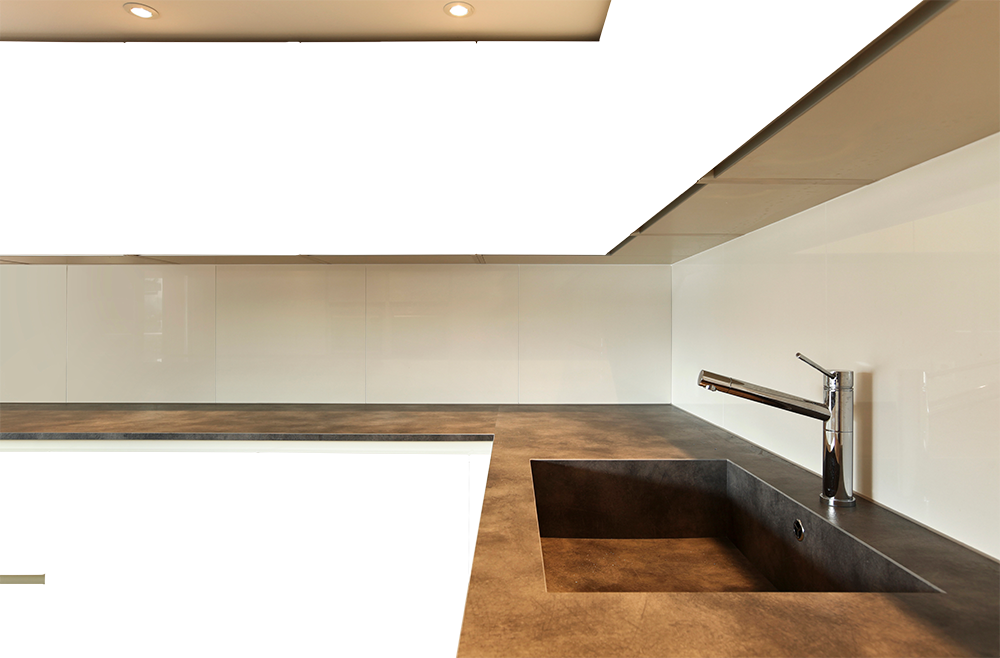
Choose a Scene
The Color displayed on screen may vary from the actual material color you purchase due to different screen calibrations and to what the human eye sees as color on a digital background. We recommend that you purchase a sample before finalizing an order.
View our color chart.
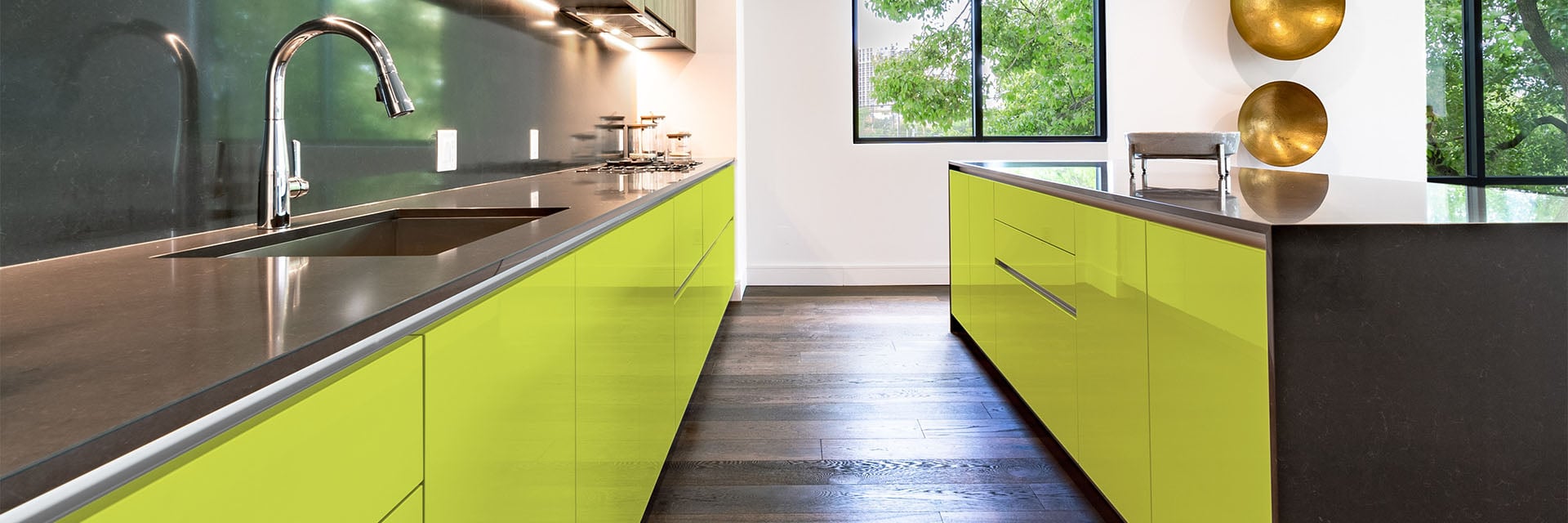
Experience Luxury with RAL Lacquer Cabinet Doors!
Available in matte, high gloss, and soft touch finishes.
Visualize RAL Colors on Modern Cabinets
Welcome to the 27estore Kitchen Cabinet Visualizer — a powerful design tool that helps you visualize cabinet colors before you buy. Whether you're planning a full remodel or updating your kitchen's look, our virtual cabinet painter lets you explore a wide range of RAL color options in real time.
How to Use the Cabinet Visualizer:
Step 1: Choose Two-tone or Single-tone
Start by selecting between:
- Single-tone – same color for upper and lower cabinets
- Two-tone – different colors for upper and lower cabinets
Step 2: Pick a Hue
Browse by hue to filter our extensive RAL palette. This helps you narrow your search to specific color families that fit your kitchen design style.
Step 3: Select a RAL Color
Choose from over 200 RAL lacquer cabinet finishes in matte, high gloss, or soft touch. Whether you're going bold or keeping it minimal, you'll find the right shade.
Visualize Before You Finalize
Once you've made your color selections, the visualizer displays a realistic kitchen scene with your chosen cabinet colors. This helps you see exactly how your design choices would look in your home.
Why Use Our Kitchen Cabinet Visualizer?
- Preview RAL lacquer cabinet door finishes instantly
- Experiment with two-tone and single-tone color layouts
- Make informed decisions without the guesswork
- Try it risk-free, from the comfort of your browser
- Pair your design with our Quick Order Tool for a fast quote
Submit Custom Sizes in Minutes
Use our Quick Order Tool to input your cabinet door dimensions and receive an instant quote. It’s the fastest way to bring your dream kitchen to life with custom RAL cabinet doors.
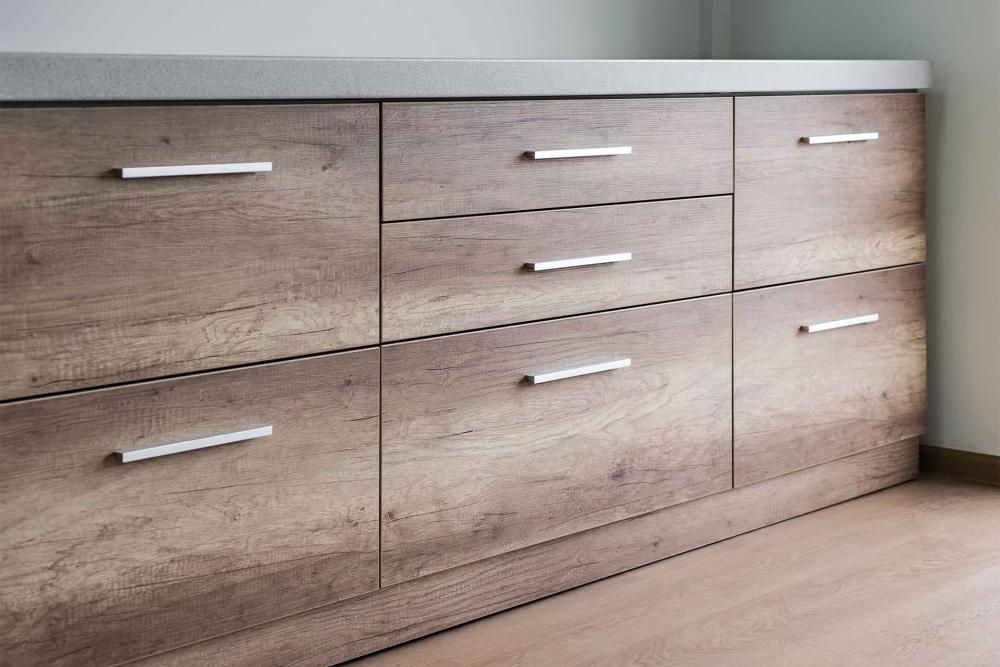
Get a Cabinet Door Quote in Minutes
Use our Quick Order Tool to submit your exact cabinet door dimensions with ease.
Try the Cabinet Color Visualizer Now
Design your dream kitchen with 27estore’s cabinet visualizer. Whether you're testing kitchen paint colors, browsing RAL lacquer finishes, or matching upper and lower cabinet colors, it’s the ultimate tool to kickstart your remodel.
Cabinet Color Visualizer FAQ
Is the kitchen cabinet color visualizer free to use?
Yes. The visualizer is free, runs in your browser, and requires no signup, account, or download. Open the page, pick a scene, and start testing RAL colors on the cabinets right away.
Can I upload a photo of my own kitchen?
Not at this time. The visualizer uses three professionally photographed kitchen scenes: one with upper and lower cabinet runs and two with islands. Because lighting in your own kitchen affects how any color reads, the most reliable way to judge a shade in your space is to order a lacquer sample and view it against your walls, counters, and floors.
How many RAL colors can I preview?
Nearly 200 RAL classic colors across nine hue families, from yellows and oranges through greys, browns, blacks, and whites. Every color shown is available on our lacquered cabinet doors in matte, high gloss, and soft touch finishes. The full palette with codes is on our RAL color chart.
Can I preview two-tone kitchen cabinets?
Yes. Two-Tone mode lets you set one color for the upper cabinets and a different color for the lower cabinets or island, which is how many modern kitchens are designed. Single-Tone mode applies one color to everything for a unified look.
How accurate are the colors on my screen?
On-screen colors are a close approximation, but monitor calibration and ambient light change how any digital color appears. Use the visualizer to narrow your shortlist, then confirm your final choice with a physical sample before ordering.
Does the visualizer work on phones and tablets?
Yes. It is a browser-based cabinet color simulator, so it works on phones, tablets, and desktops with no app to install. The layout adapts to smaller screens automatically.